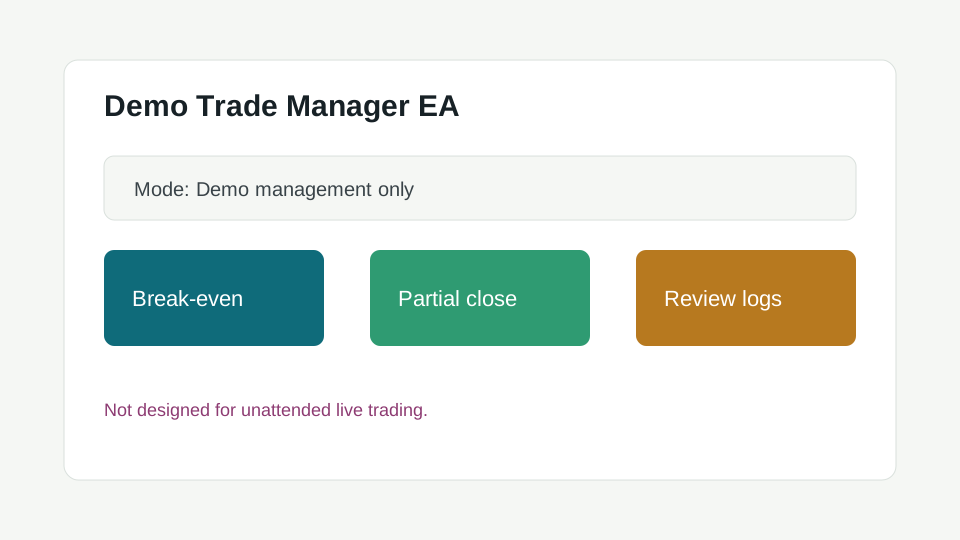
MT5 Expert Advisor v0.9.0 Free Download

Demo Trade Manager EA for MT5

An Expert Advisor for practicing structured trade management actions on a MetaTrader 5 demo account.

Installation notes

◇ Package specifications

Version
0.9.0
Last updated
2026-05-10
File size
84 KB
Access Route
Magic link secure server
◇ Overview

What this tool does

Demo Trade Manager EA for MT5 is built for learning order-management workflows, not for promising outcomes. It helps traders test repeatable management actions on demo.

◇ Capabilities

Key features

  • Demo-focused trade management controls
  • Break-even and partial-close study modes
  • Clear safety labels in settings
  • Version history for repeatable testing
◇ Audience

Who this is for

  • MT5 users learning Expert Advisor installation
  • Traders practicing trade-management routines
  • Educators building MetaTrader workflow lessons
◇ Installation

How to install

  1. 1
    Verify your email and download the EA package.
  2. 2
    Place the file in MQL5/Experts.
  3. 3
    Restart MT5 and enable Algo Trading for demo testing only.
  4. 4
    Attach the EA to a demo chart and review every input before use.
◇ Inputs

Input/settings explanation

Management Mode

Selects which trade-management action to test.

Max Demo Trades

Limits the number of trades the EA can manage during testing.

◇ Testing

Suggested demo-testing workflow

  • Use a new demo account with no live capital.
  • Test one management mode at a time.
  • Export account history after each test set.
  • Review every automated action before expanding the test.
◇ Versions

Changelog & version history

v0.9.0
  • Beta educational release for demo accounts.
◇ Limitations

Known limitations

  • EA behavior can vary by broker execution model.
  • Not designed for unattended live trading.
◇ FAQ

Frequently Asked Questions

Can this EA trade automatically?

It can manage trades in demo testing when enabled, but it is not a promise of performance or a recommendation to trade live.

Related downloads

Continue your tool research

Protected Download

Verify email access

Security note To prevent hotlinking and ensure security, download packages are served via short-lived, single-use token links emailed to verified accounts.